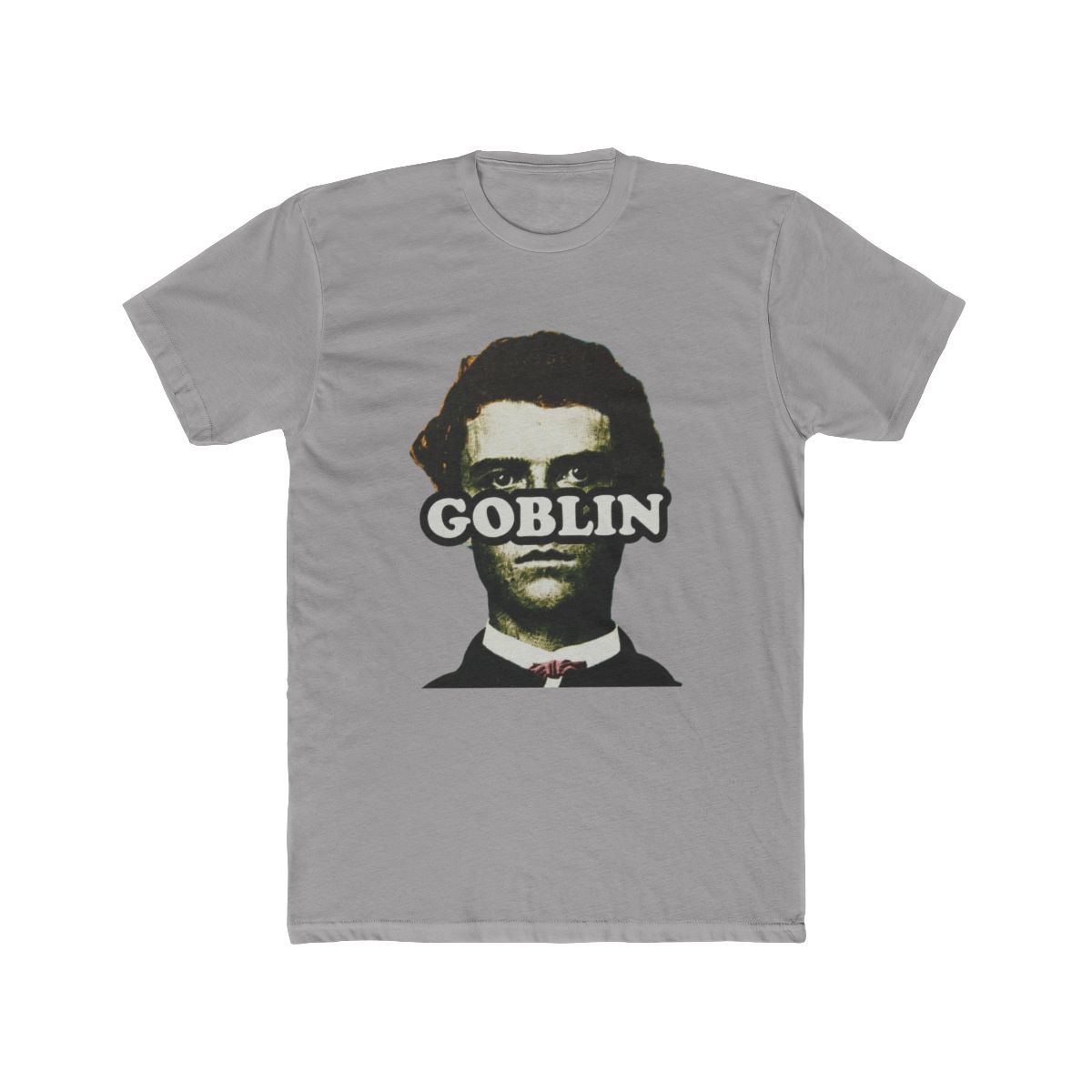
If you have ever watched a Tyler, The Creator drop sell out in minutes, you know the frustration. The limited runs, the random timing, the parking lot of L.A. fans refreshing their browsers all at once. But there is a secret that most casual buyers overlook: restocks. Restocks are not just leftover scraps. They are a second chance at the pieces you thought were gone forever. Here is how they work and how to catch them before the bots do.
← Back to Blog
Tyler, The Creator Merch Restock: How to Never Miss a Drop
Restocks are a second chance to grab Tyler, The Creator merch you missed. Learn how they work, how to monitor for them, and the fastest way to secure pieces before they vanish.
How Restocks Work for Tyler, The Creator Merch
Tyler's team intentionally produces a fixed quantity of merch per drop. That scarcity is part of the culture. What people do not realize is that a portion of that inventory never reaches the site on launch day. Returns from sizing mishaps, failed transactions, and canceled orders all pile up. Those items often get relisted in a quiet, unannounced restock a few weeks later. Sometimes it is a full size run. Sometimes it is a handful of pieces. But it is real, and it is your chance.
Restocks do not follow a set schedule. They can happen early in the morning or late at night. They rarely get the same promo push as the original drop, so the only people who see them are the ones who are paying attention. That is why having a solid monitoring system matters more than just having a fast browser.
Best Ways to Monitor for Restocks
The official Golf Wang and Le Fleur sites are the first place to look. But if you only rely on the website, you will lose out to fans who run automated trackers. You need a layered approach. Here are the tactics that actually move the needle.
- Turn on page-level alerts. Use a browser extension or a third party tracker that watches the product URL for changes. The moment a sold-out item comes back in stock, you get a ping.
- Follow Tyler's socials closely. He often posts cryptic hints or random photos right before a drop or restock. If you see something that looks like a merch preview, treat it like a warning signal.
- Join a Discord or Reddit group. The merch community is tight. Veterans share intel within seconds of a product page going live. Search for "Golf Wang" or "Le Fleur" on Discord and Reddit.
- Subscribe to email notifications on the official store. Even though it feels old school, it works for a portion of restocks. Just be ready to click the moment it lands in your inbox.
- Monitor restock aggregator sites. There are specialized services that track drops across multiple stores. They send updates to your phone faster than any human can.
Top Tips for Securing Restocked Items Fast
Once the restock hits, speed is your only friend. But speed does not mean just refreshing through the whole checkout. It means having your setup dialed in before the page changes.
- Create an account and save your shipping info now. Do not wait until the drop. A saved address can shave three seconds off your checkout, and those three seconds matter.
- Use a payment autofill tool. Autofill is the difference between typing out a credit card number and clicking one button. Set it up in advance, not in the middle of a panic.
- Keep multiple devices running. Use your phone and laptop simultaneously. If one lags or times out, the other still has a chance.
- Add the items to your wishlist ahead of time. Restocks sometimes appear in your wishlist a full minute before they hit the product page. That head start can be huge.
- Refresh at off hours. Restocks are more likely to happen after midnight or before 6 AM in your time zone. That is when streetwear drops tend to land. Set an alarm if you are serious.
- Stay calm. Do not double submit. If you click "Add to Cart" and nothing happens for a second, resist the urge to click again. Double submissions can freeze your cart or mark you as a bot.
How to Prepare for Future Tyler, The Creator Merch Drops
The best way to catch a restock is to be ready before it ever happens. That goes beyond just knowing the site. Here is how to build a setup that gives you a real advantage.
- Clean your browser cache and cookies. Old data can slow down page loads. On restock day, a fresh browser runs noticeably faster.
- Have your payment details saved. Whether it is in the browser autofill or a digital wallet, you do not want to search for your card in a drawer while the item disappears.
- Make a list of exactly what you want. When the restock hits, you should not be scrolling through the whole catalog. Know the specific pieces and sizes you are chasing. That removes all hesitation at the moment of decision.
- Set up a dedicated restock alert channel. Use more than one monitoring method. Think of it as a safety net. If one tracker fails, another catches you.
- Understand the anatomy of a restock. Often, only a few sizes return rather than the whole run. Check the size you wear first, then move on. Do not waste time on a size you cannot squeeze into.
Restocks are a quiet window of opportunity. The hype trains the original drop, but the real deals happen afterward. With the right setup, you can turn a missed launch into a W.
Ready to see what is available right now? Browse our Tyler, The Creator merch selection and get ahead of the next restock. Stay ready, and you will never let a drop slip past you again.
Shop Tyler, The Creator Merch
Official merchandise — premium quality, designed for the community.